
In Detail
The Most Common Windows High Contrast Mode Incompatibilities
- Selected (?) Radio Buttons: On most web pages it’s impossible to tell whether radio buttons are selected. In the example below, the “One Way” option is marked, but this can not be seen visually when High Contrast Mode is turned on.

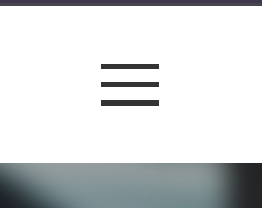
- Invisible Icon‑Buttons: Hamburger‑menu icons, the “X” symbols used to close pop‑ups, and similar icon buttons can become invisible due to low contrast. Because I couldn’t see the hamburger menu, I mistakenly thought the site was a single‑page site most of the time.

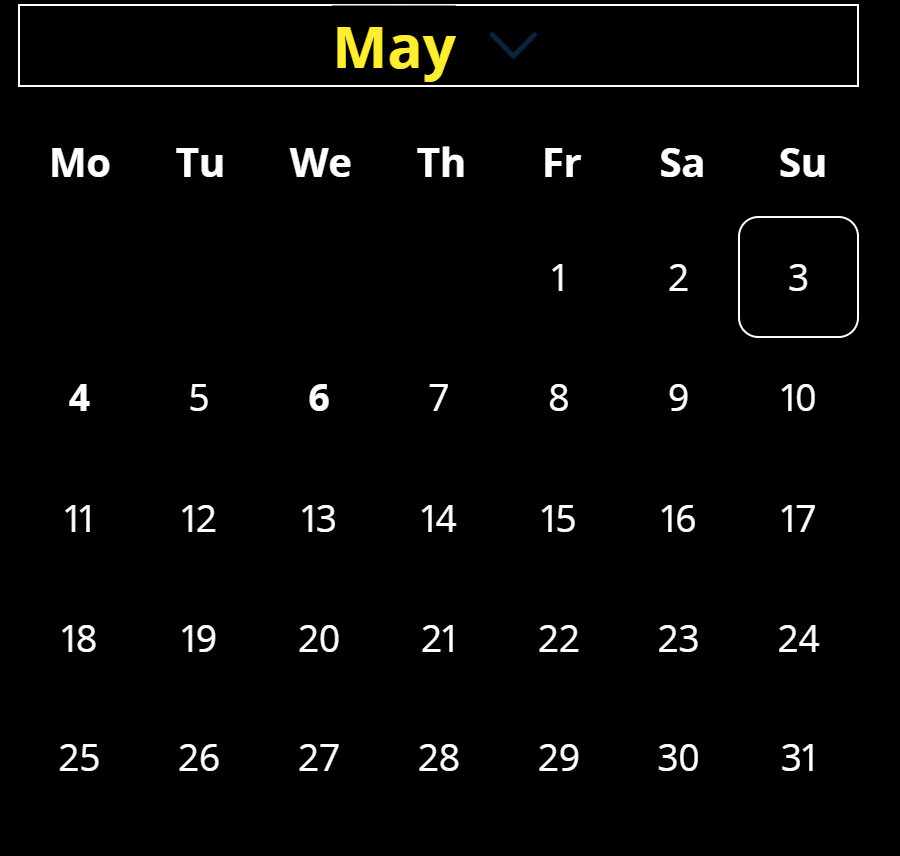
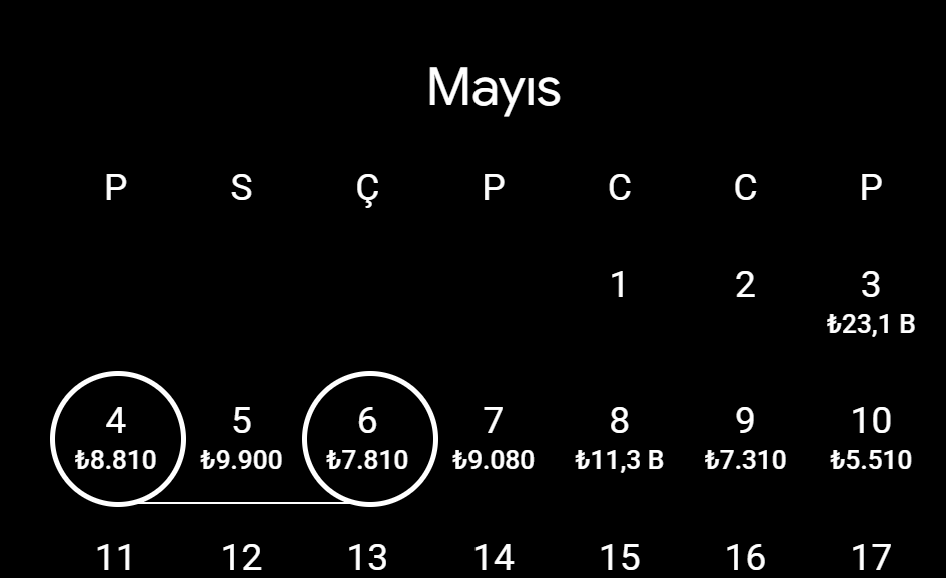
- Datepickers: Just like radio buttons, most calendars do not make it clear which date is selected. In the example below, May 4 and May 6 are actually selected, but this isn’t visible. Google Flights’ design is a very good example here.
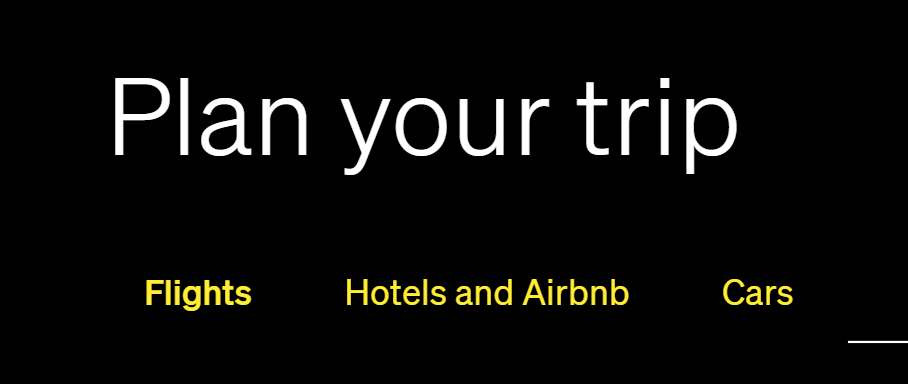
- Selected (?) Tabs: Determining which tab is active becomes impossible in situations like the one shown below.
- Buttons Without Borders: Missing button borders are a common issue like in Spotify’s cookie‑accept banner. Although it doesn’t severely affect functionality, floating‑in‑the‑air buttons are not a great user experience.

Discuss this article on LinkedIn
Get Each Issue By Email
New notes, news and an album recommendation, straight to your inbox. Free, and you can unsubscribe anytime.
You will get a confirmation email first. Subscriptions are handled by Buttondown.